How to Transfer Files to Your iPhone from the SD Card
Please follow the below steps:
1. Make sure that the device is successfully connected to your iPhone.
2. Open the "Files" app on your iPhone.
3. Locate your SD card in the list.
4. Select the files you want to transfer.
5. Tap the button in the left corner, then select "Transfer to Files."
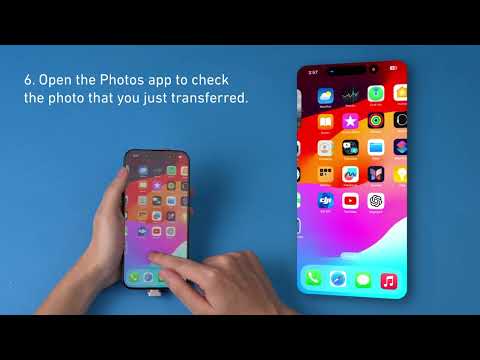
6. Tap the button in the right corner to complete the transfer to your iPhone.


2 undefined
What Should I Do if the Adapter Stops Working?


Anker MagGo USB-C Adapter User Guide
