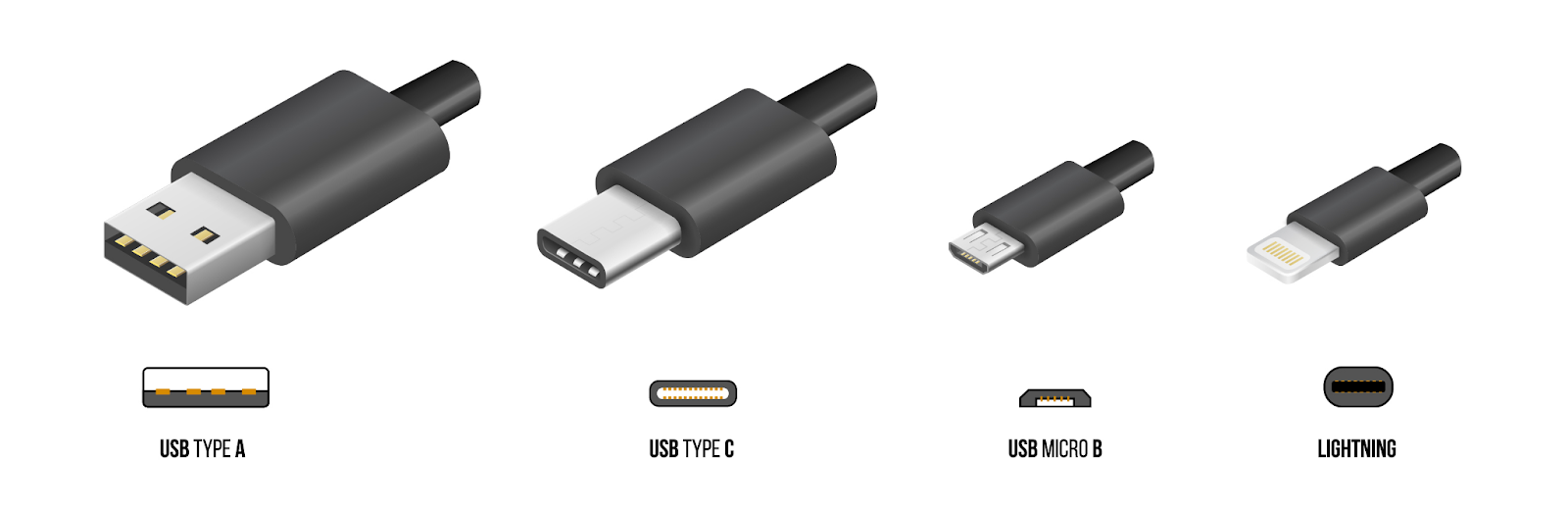
Before making a purchase, please check the exact type of the charging port on your devices in order to avoid purchasing an incompatible product.
USB-A
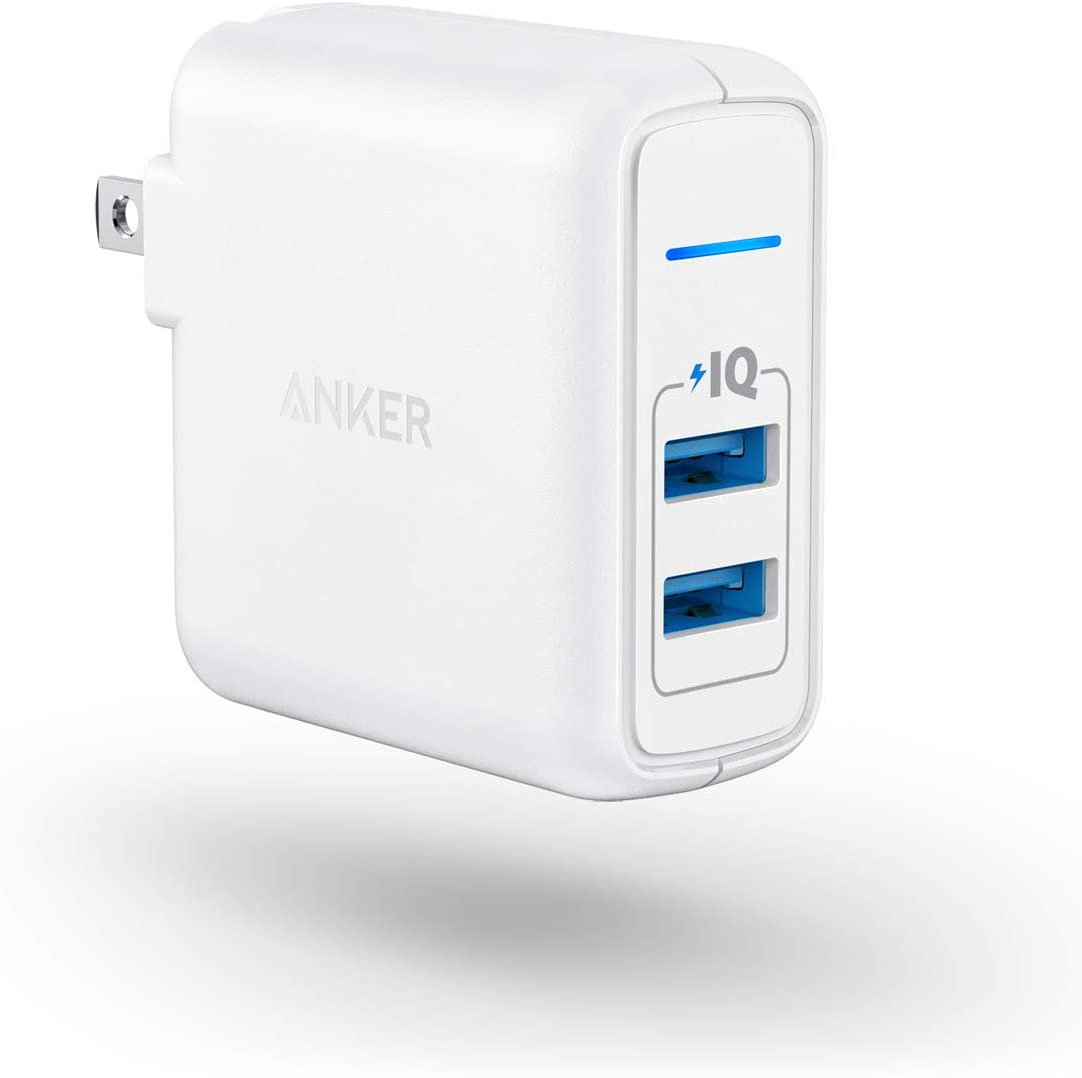
USB-A, or USB Type A, is the original flat and rectangular connector. These cables always have USB-A on one end with a different port type on the other and can be used for device charging and data transfer, such as Apple USB-A to Lightning cable that needs a USB-A wall adapter. USB-A is still widely used and it can be found on devices like smartphones, speakers, and all kinds of peripherals.
USB-C
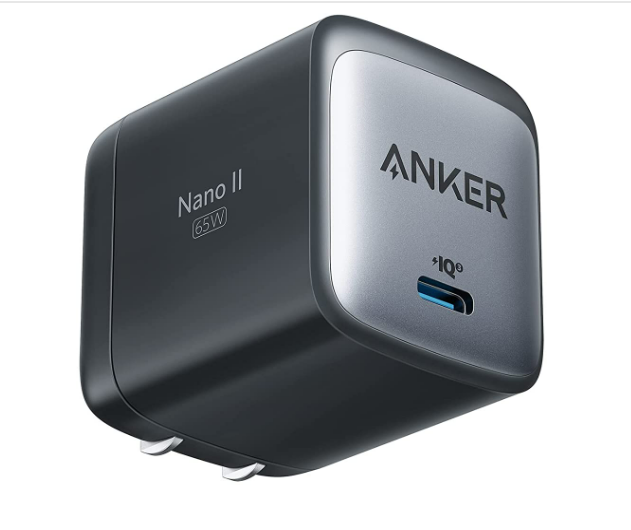
USB-C is the current standard, and it combines power and data delivery with display connectivity. The majority of new devices like smartphones, game controllers, and laptops are equipped with USB-C port. Its form factor is small, oblong, and reversible, so it can be plugged in either way. The port’s 100W connection (PD 3.1 up to 140W) makes it perfectly suitable for fast charging and data transfers, even on larger devices like laptops and TVs.
Lightning
Please note Lightning only works with Apple devices. The Lightning connector was introduced in 2012 with the arrival of the iPhone 5 and, shortly thereafter, the iPad 4. It remains the standard way to both charge and connect Apple devices to other devices, although some devices, such as the 2018 iPad Pro or newer models, use USB-C instead of Lightning as its standard connector.
The cable itself is small with a thin Lightning adapter on one end and either a USB-A adapter or a USB-C adapter on the other end. The Lightning cable that comes with iPhone 11 and new models has a USB-C connector on the other end. When using a USB-C to Lightning cable, it is able to charge the phone faster compare to using a USB-A to Lightning cable.
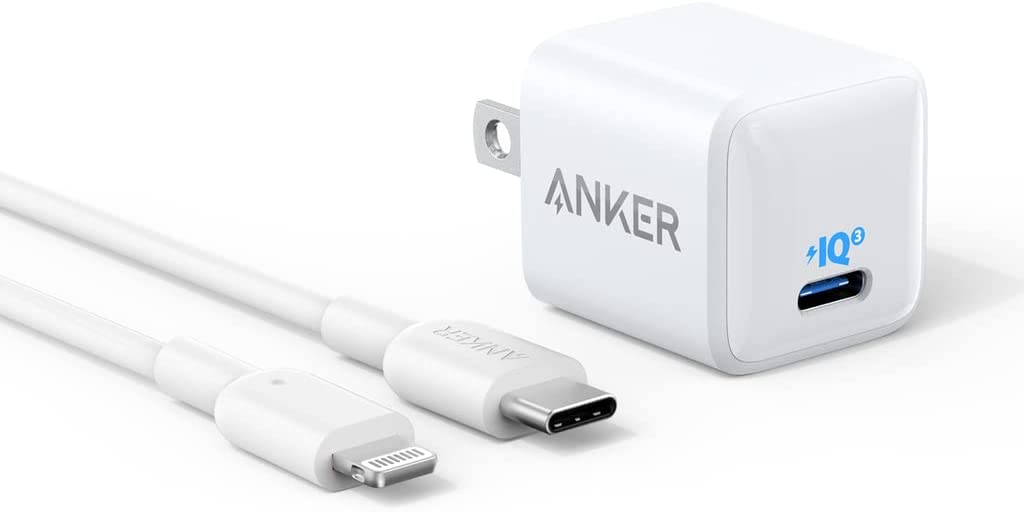
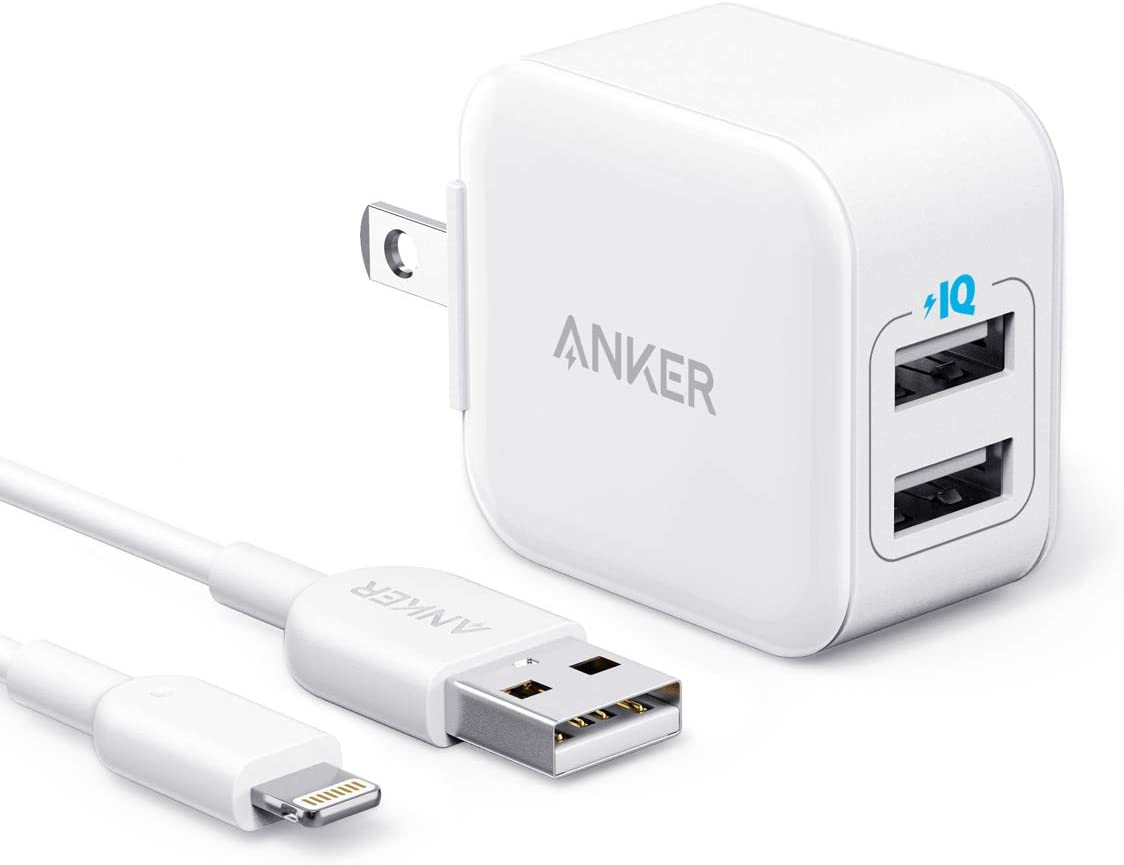
The above image on the left is a USB-C wall adapter and a USB-C to Lightning cable, and the above image on the right is a USB-A wall adapter and a USB-A to Lightning cable.
Micro-USB
Micro-USB was the standard many years ago for certain portable devices, such as older Android smartphones because it can transfer data and charge the phone. It is smaller than USB-A and widely used on devices such as wireless chargers, USB fans, older Android phones, etc.

If you have any further questions, please contact us for assistance.


