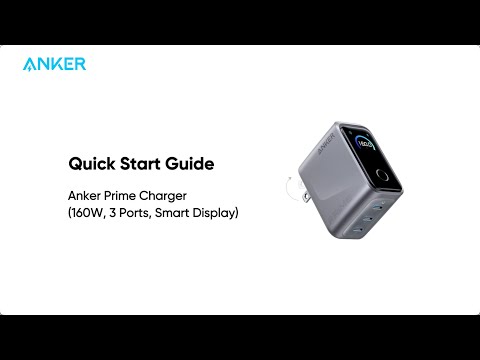
Why does my Samsung phone not show "Super Fast Charging 2.0" when using Anker Prime Charger (160W, 3 Ports, Smart Display)?
Confirm that your Samsung phone model supports 45W fast charging.
When the charger is in AI Mode, use a 5A charging cable.
When the charger is in other modes, make sure the connected port delivers more than 45W.
Note: If charging a Samsung phone with an Apple Thunderbolt cable, the phone's internal system may activate the charger's protection feature, showing a water-drop warning on the phone and stopping charging.