What should I do if Bluetooth pairing fails?
When multiple Bluetooth devices are nearby, pairing may fail.
- Make sure Bluetooth is enabled on both your phone and this product, and place them close together.
- Move to an area with fewer Bluetooth devices and try again.
- Press and hold the button for 7 seconds to reset Bluetooth, then try again.


20 undefined
Anker Prime Power Bank (26K, 300W) FAQ


Anker Prime Charger (160W, 3 Ports, GaNPrime) FAQ
Why does my MacBook show "Battery Is Not Charging" when connected to Anker Prime Charger (160W, 3 Ports, Smart Display)?
What should I do if the firmware update fails?
Why can't the single-port output of Anker Prime Charger (160W, 3 Ports, Smart Display) reach 140W?
Why can't the single-port output of Anker Prime Charger (160W, 3 Ports, Smart Display) reach 150W?
Why doesn't Anker Prime Charger (160W, 3 Ports, Smart Display) reach the same charging power as the original phone charger?
Why does my Samsung phone not show "Super Fast Charging 2.0" when using Anker Prime Charger (160W, 3 Ports, Smart Display)?
Why can't I charge DJI charging hubs with Anker Prime Charger (160W, 3 Ports, Smart Display)?
Why does "Slow Charger" appear on my Dell computer when connected to Anker Prime Charger (160W, 3 Ports, Smart Display)?

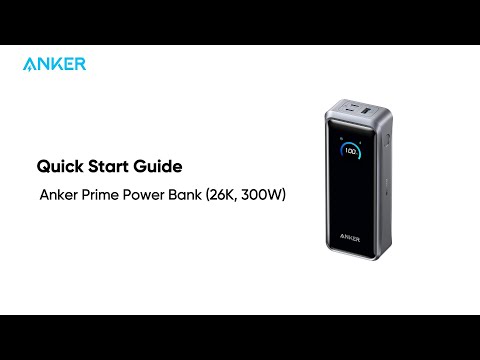
Anker Prime Power Bank (26K, 300W)Quick Start Guide
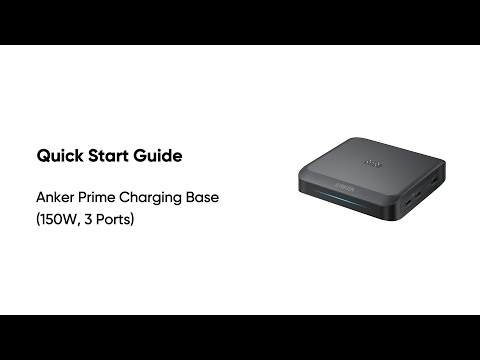
Anker Prime Charging Base (150W, 3 Ports)Quick Start Guide
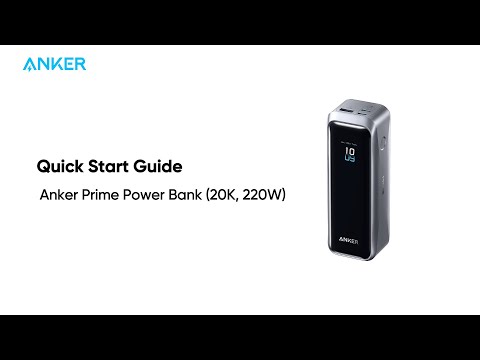
Anker Prime Power Bank (20K, 220W)Quick Start Guide
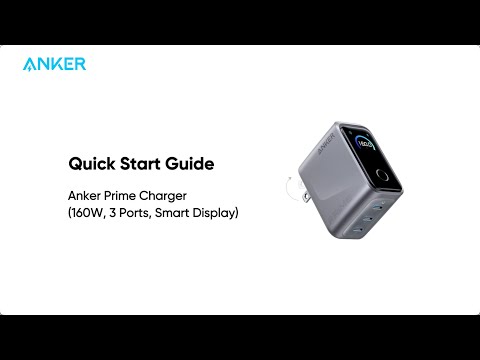
Anker Prime Charger (160W, 3 Ports, Smart Display) Quick Start Guide