Please try the troubleshooting by following the below steps one by one:
• Check if Wi-Fi or Bluetooth is connected and working well.
a. Upgrade to Firmware v1.2.3.2 and update the Anker Power app to version 3.2.0 to use the clock screensaver with Bluetooth without connecting to Wi-Fi.
b. In previous versions such as v1.2.1.8, Wi-Fi connection is necessary to use the clock screensaver.
• Ensure the screen's timeout setting is not configured to ""Always On.""
• The screensaver must be set to ""Clock Screensaver"" and activated once the preset idle time has elapsed.
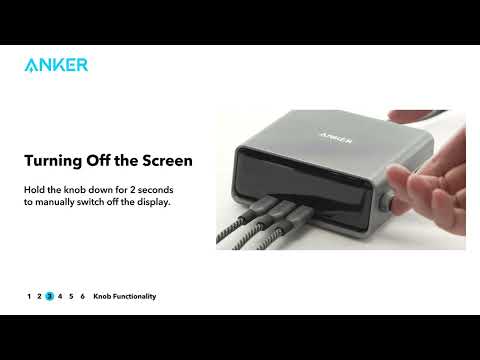
• The charger screen should not be manually turned off. Alternatively, turning off and then turning on the clock display might help.
• Setting the time period earlier than the current time will display the clock immediately, eliminating any delay in execution.
For example, if it is currently 9:00 AM, set the time from 8:00 AM to 11:00 PM.