Rotating the Screen Orientation of Anker Nano Universal Charger (4-in-1, 100W, Smart Display)
-
Manual Rotation: Press and hold the touch button for 2 seconds to rotate the screen 90°. Press and hold it again to rotate the screen another 90°.
-
Orientation Memory: After unplugging and reconnecting the charger, the screen will retain its previous orientation.
-
No Auto-Rotation: The screen will not automatically rotate based on how the charger is plugged in.


8 undefined
Anker Nano Universal Charger (4-in-1, 100W, Smart Display) Slow Charging / Low Power Output


Anker Nano Universal Charger (4-in-1, 100W, Smart Display) Not Charging / Not Working
Anker Nano Universal Charger (4-in-1, 100W, Smart Display) Can Only Open One Set of Prongs at a Time
The UK Ground Pin of Anker Nano Universal Charger (4-in-1, 100W, Smart Display) Must Be Extended Manually

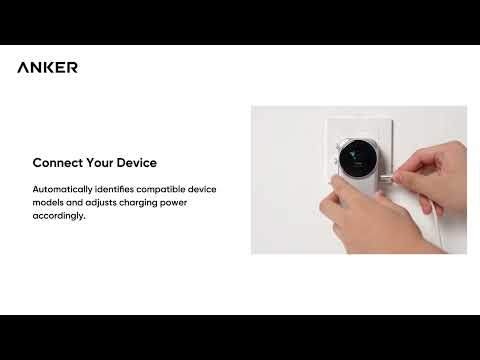
Anker Nano Universal Charger (4-in-1, 100W, Smart Display) Quick Start Guide


