Why does "Slow Charger" appear on my Dell computer when connected to Anker Prime Charger (160W, 3 Ports, Smart Display)?
Many Dell computers have strict charging requirements. Using a non-original charger can trigger a slow charger warning. We recommend checking your original Dell charger and adjusting the power distribution of your Anker charger in Custom Mode settings.


10 undefined
Anker Prime Charger (160W, 3 Ports, GaNPrime) FAQ 4832 views 1 likes/2025-09-29 09:42:34
What should I do if the firmware update fails? 4492 views 1 likes/2025-09-30 15:17:15
What should I do if Bluetooth pairing fails? 1890 views 1 likes/2025-11-11 11:09:57
Why can't the single-port output of Anker Prime Charger (160W, 3 Ports, Smart Display) reach 150W? 1612 views 1 likes/2025-09-30 15:22:38
Why doesn't Anker Prime Charger (160W, 3 Ports, Smart Display) reach the same charging power as the original phone charger? 1443 views 1 likes/2025-09-30 15:25:32
Why does "Slow Charger" appear on my Dell computer when connected to Anker Prime Charger (160W, 3 Ports, Smart Display)? 1388 views 1 likes/2025-09-30 15:34:37
Why can't the single-port output of Anker Prime Charger (160W, 3 Ports, Smart Display) reach 140W? 1366 views 1 likes/2025-09-30 15:20:31
Why does my Samsung phone not show "Super Fast Charging 2.0" when using Anker Prime Charger (160W, 3 Ports, Smart Display)? 1276 views 1 likes/2025-09-30 15:29:17
Why can't I charge DJI charging hubs with Anker Prime Charger (160W, 3 Ports, Smart Display)? 1223 views 1 likes/2025-09-30 15:31:36
Why does my MacBook show "Battery Is Not Charging" when connected to Anker Prime Charger (160W, 3 Ports, Smart Display)? 1202 views 1 likes/2025-09-30 15:37:33


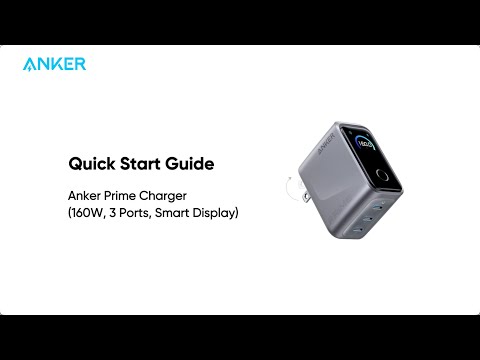
Anker Prime Charger (160W, 3 Ports, Smart Display) Quick Start Guide