Why is the surge protection indicator light off on the Anker Nano Power Strip (10-in-1, 70W, Clamp)?
- Plug the product into another wall outlet that you know is working properly.
- Press the overload protection reset switch located on the bottom of the product.


8 undefined
Why does the USB-C2 port of Anker Nano Power Strip (10-in-1, 70W, Clamp) charge slowly when multiple ports are in use?


Why can't the Anker Nano Power Strip (10-in-1, 70W, Clamp) clamp securely to my desk?
Why does some power come out when I turn the clamping knob on the Anker Nano Power Strip (10-in-1, 70W, Clamp)?
What should I do if the rubber pad on the Anker Nano Power Strip (10-in-1, 70W, Clamp) detaches?
Why do wear marks appear in the five grooves on the neck of the Anker Nano Power Strip (10-in-1, 70W, Clamp) after use?
Why is the top AC outlet on the Anker Nano Power Strip (10-in-1, 70W, Clamp) stiff or not springing back?

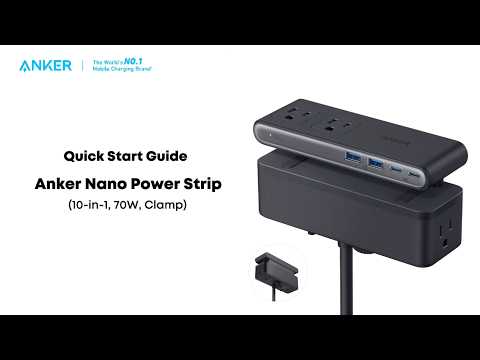
Anker Nano Power Strip (10-in-1, 70W, Clamp) Quick Start Guide
