What should I do if the firmware update fails?
-
Make sure the network connection is stable. Keep the product close to your phone and leave the Anker app open until the update finishes. The update process usually takes 7 to 10 minutes.
-
Do not turn off Bluetooth, charge other devices or recharge the power bank during the process.
-
If the update still fails, contact Anker customer support. You can also upload logs in the app's Settings menu to help the development team troubleshoot.


18 undefined
Anker Prime Power Bank (26K, 300W) FAQ


Anker Prime Charger (160W, 3 Ports, GaNPrime) FAQ
Why does my MacBook show "Battery Is Not Charging" when connected to Anker Prime Charger (160W, 3 Ports, Smart Display)?
Why can't the single-port output of Anker Prime Charger (160W, 3 Ports, Smart Display) reach 140W?
Why can't the single-port output of Anker Prime Charger (160W, 3 Ports, Smart Display) reach 150W?
Why doesn't Anker Prime Charger (160W, 3 Ports, Smart Display) reach the same charging power as the original phone charger?
Why does my Samsung phone not show "Super Fast Charging 2.0" when using Anker Prime Charger (160W, 3 Ports, Smart Display)?
Why can't I charge DJI charging hubs with Anker Prime Charger (160W, 3 Ports, Smart Display)?
Why does "Slow Charger" appear on my Dell computer when connected to Anker Prime Charger (160W, 3 Ports, Smart Display)?
Why can't the Anker Prime Power Bank (26K, 300W) reach maximum power when recharging?

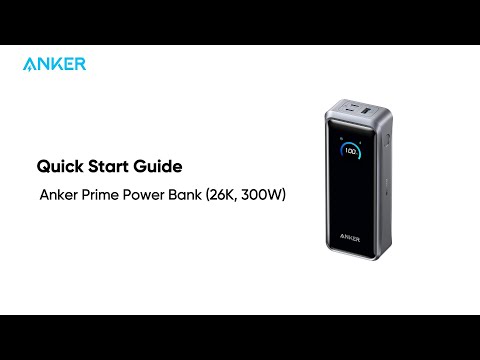
Anker Prime Power Bank (26K, 300W)Quick Start Guide
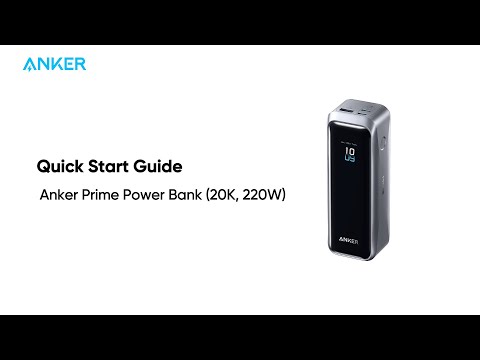
Anker Prime Power Bank (20K, 220W)Quick Start Guide
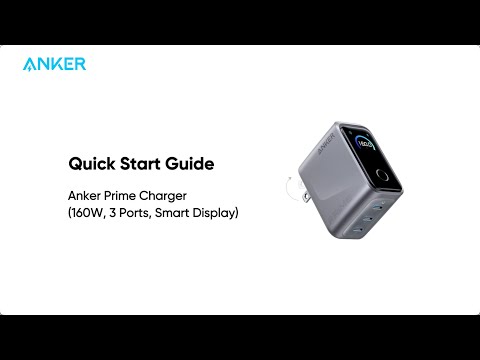
Anker Prime Charger (160W, 3 Ports, Smart Display) Quick Start Guide