Why can't the single-port output of Anker Prime Charger (160W, 3 Ports, Smart Display) reach 150W?
To reach 150W max charging from one port, the charger must be set to AI Mode and used with the following devices and cables:
• Anker Prime Power Bank (26K, 300W)—Model A110A
• Anker Prime USB-C to USB-C Cable (240W, Upcycled-Braided)—Model A88E2
• Anker USB-C to USB-C Cable (3 ft / 6 ft, 240W, Upcycled-Braided)—Model A82E2
• Anker Prime Thunderbolt 5 Cable (3.3 ft, 80 Gbps, 240W)—Model A84N1
• The cable included in the A110A package
Anker may release new products in the future that support 150W charging. Please check the official website for the latest updates.


9 undefined
Anker Prime Charger (160W, 3 Ports, GaNPrime) FAQ


Why does my MacBook show "Battery Is Not Charging" when connected to Anker Prime Charger (160W, 3 Ports, Smart Display)?
What should I do if the firmware update fails?
Why can't the single-port output of Anker Prime Charger (160W, 3 Ports, Smart Display) reach 140W?
Why doesn't Anker Prime Charger (160W, 3 Ports, Smart Display) reach the same charging power as the original phone charger?
Why does my Samsung phone not show "Super Fast Charging 2.0" when using Anker Prime Charger (160W, 3 Ports, Smart Display)?
Why can't I charge DJI charging hubs with Anker Prime Charger (160W, 3 Ports, Smart Display)?
Why does "Slow Charger" appear on my Dell computer when connected to Anker Prime Charger (160W, 3 Ports, Smart Display)?
What should I do if Bluetooth pairing fails?

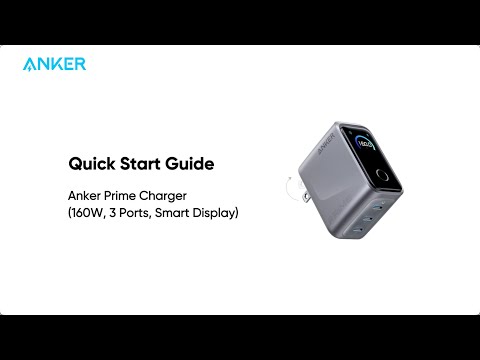
Anker Prime Charger (160W, 3 Ports, Smart Display) Quick Start Guide