Why does "Slow Charger" appear on my Dell computer when connected to Anker Prime Charger (160W, 3 Ports, Smart Display)?

Many Dell computers have strict charging requirements. Using a non-original charger can trigger a slow charger warning. We recommend checking your original Dell charger and adjusting the power distribution of your Anker charger in Custom Mode settings.

Download icon
Why does "Slow Charger" appear on my Dell computer when connected to Anker Prime Charger (160W, 3 Ports, Smart Display)?
Unresolved icon
10 undefined
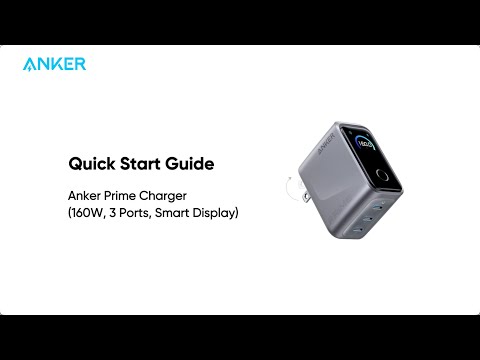
Play videoAnker Prime Charger (160W, 3 Ports, Smart Display) Quick Start Guide
Anker Prime Charger (160W, 3 Ports, Smart Display) Quick Start Guide
Contact Us
anker link

USA:
For Anker Charging: 1-800-988-7973

Mon - Fri: 6 AM - 5 PM (PT)

anker link

Mon - Sun: 8 AM - 4 PM (PT)

Buy on the Anker Store
anker link

Hassle-Free Warranty

anker link

30-Day Money-Back Guarantee

anker link

Fast, Free Shipping

anker link

Lifetime Customer Support

Amazon American Express Apple Pay Diners Club Discover Google Pay Mastercard PayPal Shop Pay Venmo Visa