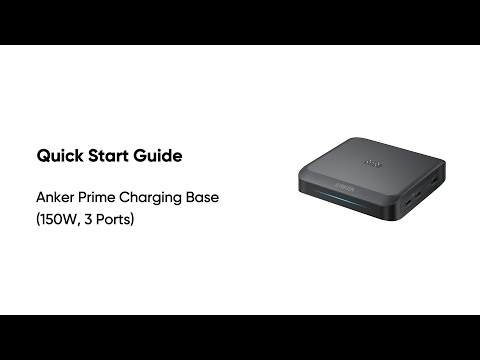
What should I do if the firmware of Anker Prime Charging Base (150W, 3 Ports) update fails?
- Make sure the network connection is stable. Keep the product close to your phone and leave the Anker app open until the update finishes. The update process usually takes 7 to 10 minutes.
- Do not turn off Bluetooth, charge other devices, or touch the button of the charging base during the update.
- If the update still fails, contact Anker customer support. You can also upload logs in the app's Settings menu to help the development team troubleshoot.