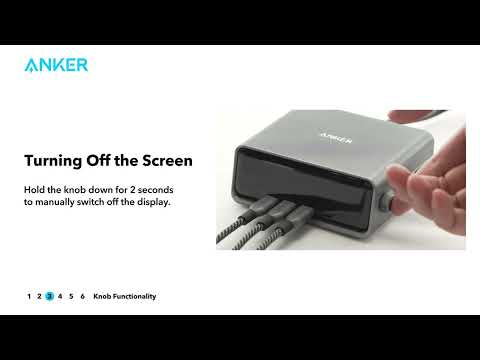
Q: How can I turn off the display while the screensaver is on?
A: Long press the knob for 2 seconds to turn off the display.
Q: Why is it necessary to connect to Wi-Fi to display the clock screensaver?
A: Connecting via Wi-Fi ensures that the time displayed by the clock screensaver is as accurate as possible. When connected only via Bluetooth, the time may have a larger margin of error, which is why a Wi-Fi connection is required for this feature.
Q: Does this Anker Prime 250W charging station support 12V?
A: Yes, it supports 12V.
Q: Can this Anker Prime 250W charging station switch to a 24-hour format?
A: Yes. Although the default clock screensaver is set to a 12-hour format, it can be switched to a 24-hour format through the app. To change this setting, go to "Settings," select "Device Screen," and then choose "Clock Format." From there, you can select the "24-Hour Clock" option.


If you have any questions, please contact us for further assistance.