How to Connect Your Device to Wi-Fi
Please set up the device by following the below steps one by one:
1. Download and open the Anker app.
2. Connect the charger to the power source.
3. On the charger screen, select Settings > Wi-Fi and activate Wi-Fi using the knob.
4. On the phone used to log in to the app, make sure Bluetooth is enabled.
5. Add the charger to the app and follow the in-app instructions to complete the setup.


11 undefined
Frequently Asked Questions for Anker Prime 250W Charger


Why Isn't It 3 Pins When the Total Power is 250W?
What Should I Do if the Product Stops Working, Overheats, or Charges Intermittently?
How to Set Intelligent Power Distribution Mode?
What Should I Do When the Charging Station is Charging Slowly?
How to Switch to a 12-Hour / 24-Hour Format
How to Reconnect Wi-Fi After Deletion
What to Do If the Clock Display Doesn't Appear
What Should I Do if My Device Can't Connect to Wi-Fi for Anker Prime Charger (250W, 6 Ports, GaNPrime)?

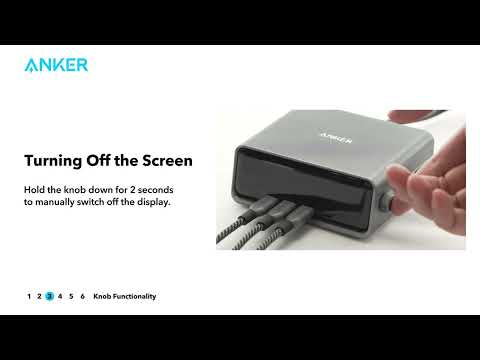
Anker Prime Charging Station (Quick Start Guide Video)