What Should I Do if the Product Stops Working, Overheats, or Charges Intermittently?
Please try the troubleshooting by following the below steps one by one:
• Let the charger sit for 5 minutes without being plugged into the power outlet or having anything else plugged into the charger.
• Reconnect the power cord of the charger.
• Replace the charging cables of the devices or try other devices for charging.
• Reset the charger to factory settings.


11 undefined
Frequently Asked Questions for Anker Prime 250W Charger


Why Isn't It 3 Pins When the Total Power is 250W?
How to Set Intelligent Power Distribution Mode?
What Should I Do When the Charging Station is Charging Slowly?
How to Switch to a 12-Hour / 24-Hour Format
How to Reconnect Wi-Fi After Deletion
What to Do If the Clock Display Doesn't Appear
How to Connect Your Device to Wi-Fi
What Should I Do if My Device Can't Connect to Wi-Fi for Anker Prime Charger (250W, 6 Ports, GaNPrime)?

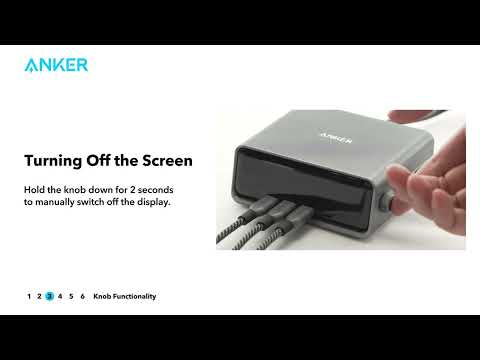
Anker Prime Charging Station (Quick Start Guide Video)