Please try the troubleshooting by following the below steps one by one:
• Let the charger sit for 5 minutes (without plugging it into the power outlet or plugging anything else into the charger).
• Reconnect the power cord of the charger.
• Replace the charging cables of the devices or try other devices for charging.
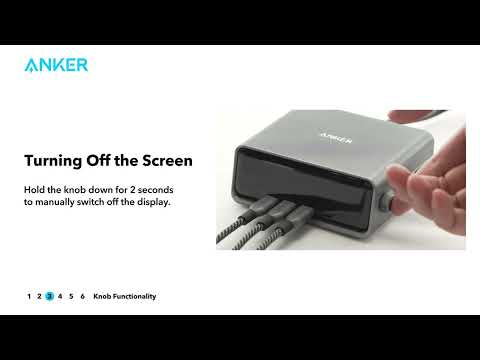
• Reset the charger to factory settings.
Note: due to proprietary charging protocols, some models of Surface and Dell laptops cannot be charged at full speed and will display a slow charging prompt. These devices include, but are not limited to:
• Surface Laptop Studio 2
• Dell XPS 15 (9500 / 9510 / 9520)
• Dell Alienware X14
• Dell Mobile Precision 5570
• Dell XPS 13 (9305 / 9310 / 9315)
• Dell Inspiron 16 Plus (7620)
• Dell Latitude (3520 / 5520 / 7420)
• Dell Vostro 13 5320