Screen-Off Behavior of Anker MagGo Power Bank 2 Pro
1. During Charging or Discharging: The screen stays on and does not turn off automatically.
2. Manual Screen-Off: Press and hold the button for 2 seconds to turn off the screen.
3. Automatic Screen-Off: When the power bank is inactive, the screen automatically turns off after 1 minute of inactivity.


12 undefined


Anker MagGo Power Bank 2 Pro Takes a Long Time to Recharge
Anker MagGo Power Bank 2 Pro Magnetic Hold Feels Weak
Anker MagGo Power Bank 2 Pro Fan Produces an Odor
Anker MagGo Power Bank 2 Pro Noise Issues

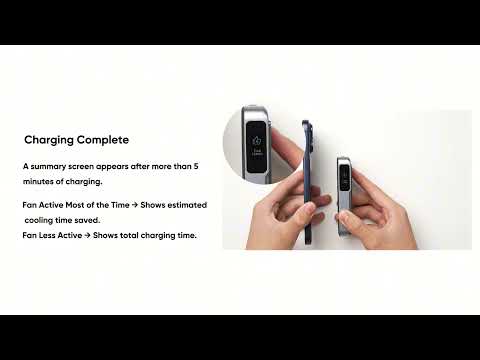
Anker MagGo 2 Pro Power Bank Quick Start Guide
