Anker Nano Docking Station (13-in-1, Triple Display, Built-In Removable Hub) Quick Start Guide
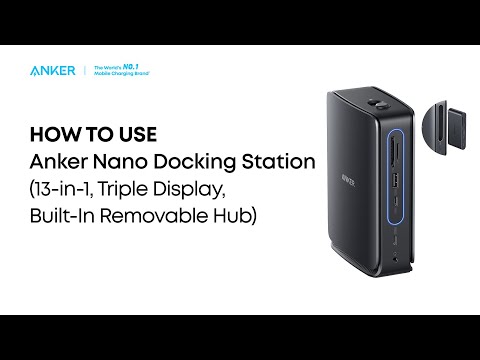

Anker Nano Docking Station (13-in-1, Triple Display, Built-In Removable Hub) Quick Start Guide


10 undefined
How to Set Up the Docking Station for the First Time(A83C3)
1 views/
1 likes/2025-12-05 15:29:52
What Should I Do If the Dock Stops Working?(A83C3)
1 views/
1 likes/2025-12-05 15:12:18
Why Is Only One Display Visible When I Connect Multiple Monitors to the Dock on Windows or macOS?(A83C3)
1 views/
1 likes/2025-12-05 15:19:54
What Should I Do If the Removable Hub Cannot Charge My Computer?(A83C3)
1 views/
1 likes/2025-12-05 15:27:42
What Should I Do If My Monitor Isn't Displaying?(A83C3)
1 views/
1 likes/2025-12-05 15:15:53
What Should I Do If the Ethernet Port on My Docking Station Stops Working?(A83C3)
1 views/
1 likes/2025-12-05 15:22:54
What Should I Do to Determine If the Dock is Compatible with My Computer?(A83C3)
1 views/
1 likes/2025-12-05 15:24:29
Why Can't My Laptop Connect to Three External Monitors Using This Dock?(A83C3)
1 views/
1 likes/2025-12-05 15:17:44
Why Does My Laptop Display a "Slow Charging" Warning When Charging via the Docking Station?(A83C3)
1 views/
1 likes/2025-12-05 15:26:02
What Should I Do If the USB-A or USB-C Port on My Docking Station Stops Working?(A83C3)
1 views/
1 likes/2025-12-05 15:21:22
