Why Does My Laptop Display a "Slow Charging" Warning When Charging via the Docking Station?(A83C3)
Some laptops use proprietary charging protocols and may show a "Slow Charging" warning when non-original chargers are used.
- If your laptop requires 100W or less, the dock will charge it at the same speed as the original adapter.
- For laptops that require over 140W, we recommend using the original power adapter for full-speed charging.
If you have any questions, please contact Anker Customer Support for further assistance.


10 undefined
What Should I Do If the Dock Stops Working?(A83C3)


What Should I Do If My Monitor Isn't Displaying?(A83C3)
Why Is Only One Display Visible When I Connect Multiple Monitors to the Dock on Windows or macOS?(A83C3)
What Should I Do If the USB-A or USB-C Port on My Docking Station Stops Working?(A83C3)
How to Set Up the Docking Station for the First Time(A83C3)

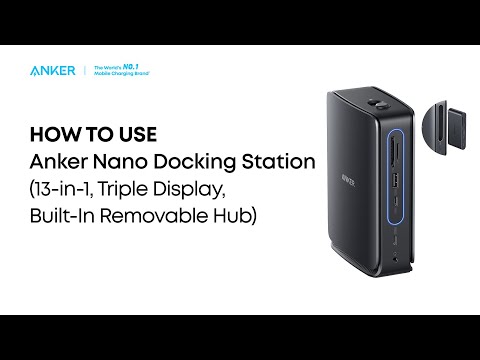
Anker Nano Docking Station (13-in-1, Triple Display, Built-In Removable Hub) Quick Start Guide
