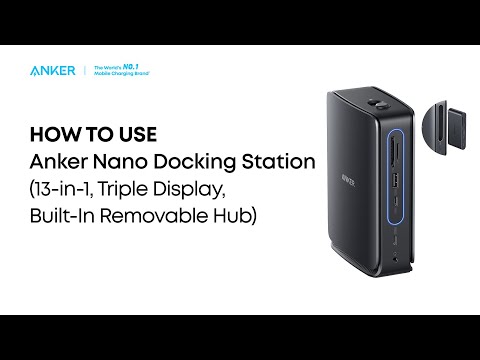
Why Can't My Laptop Connect to Three External Monitors Using This Dock?(A83C3)
Some laptops have GPU limitations that restrict how many displays they can support. This includes both the built-in screen and any external monitors. For example: Dell XPS 13 9350 and HP Spectre 16 x360.
To check your laptop's display support, open Intel Graphics Command Center. Go to Display Settings > Advanced Settings. Under Processor Graphics, locate "Maximum Number of Displays."
(Note: This number includes both your laptop screen and external monitors.)
If you have any questions, please contact Anker Customer Support for further assistance.