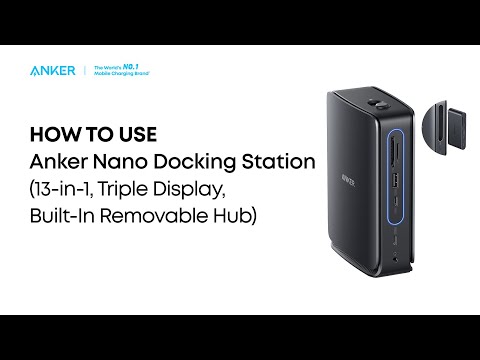
What Should I Do If the USB-A or USB-C Port on My Docking Station Stops Working?(A83C3)
If your USB-A or USB-C ports are not functioning correctly, follow these steps:
1. Disconnect the dock and all connected devices from your laptop. Wait at least 5 minutes, then restart your laptop and reconnect the dock.
2. Plug your USB device directly into your laptop to check if it works properly.
3. Try other USB-A or USB-C devices to see if the issue is limited to a specific device.
4. Connect the dock to a different laptop to check if the issue persists.
If all of the steps above cannot help you locate and resolve the problem, please contact Anker Customer Support for further assistance. Briefly mention the steps that you’ve already tried for a faster solution.