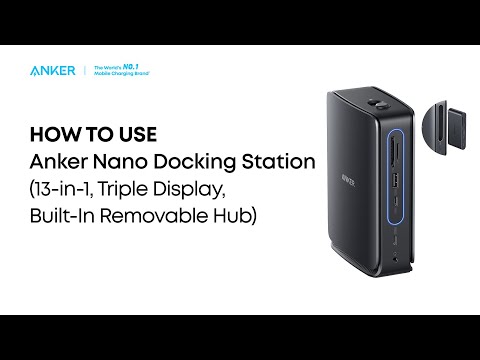
Getting Started With the Dock
1. Connect the included power adapter to a wall outlet. The LED indicator on the dock will turn on.
Note: Make sure the Anker logo on the charger is facing up. Using the charger upside down may cause it to become unstable.
2. Use the included USB-C to USB-C cable to connect your laptop to the USB-C upstream port on the dock.
3. Connect other devices to the appropriate ports as needed.
Using the Removable Hub
1. Slide the unlock switch backward to detach the hub from the dock.
2. Connect the USB-C upstream port on the hub to your laptop.
3. To charge your laptop while using the hub, connect a compatible PD wall charger (not included) to the hub's PD input port.
4. Connect other devices as needed.
5. Reinsert the hub into the dock until you hear a click and the light strip turns blue. Both the dock and hub are now ready for use.
If you have any questions, please contact Anker Customer Support for further assistance.