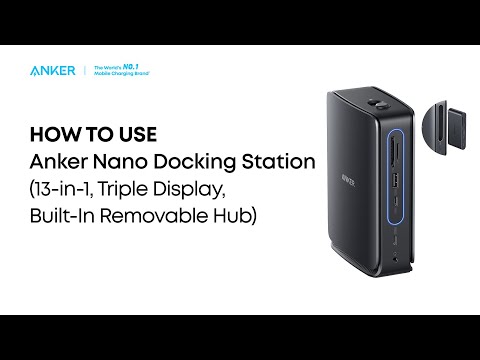
Please try the following steps:
1. Check the power output of the wall charger connected to the USB-C PD input port on the dock.
2. Confirm that your laptop can charge directly from the charger without using the dock.
3. Try using a charger that supports 100W USB-C PD fast charging along with a USB-C to USB-C cable to see if the issue persists.
4. Test the hub with another laptop to determine whether it charges correctly.
5. Disconnect the hub from the laptop and unplug all connected devices. Wait at least 5 minutes, then restart the laptop and reconnect the hub to check if the issue is resolved.
Note: The USB-C PD port on this dock provides up to 85W of charging power when connected to a 100W USB-C PD charger using a USB-C to USB-C cable, because the dock itself consumes 15W to operate. If you use a 30W charger, the hub will draw 15W, leaving insufficient power to charge your laptop. To ensure your laptop charges properly:
- Use a charger that meets or exceeds your laptop's power requirements.
- Make sure both the charger and USB-C cable support high-wattage PD charging.
Additionally, this USB-C hub does not support Samsung's Programmable Power Supply (PPS) fast charging protocol. As a result, Samsung devices connected to this hub will charge at standard speeds. This is normal behavior when using accessories that are not PPS-compatible with Samsung's fast charging technology.
If all of the steps above cannot help you locate and resolve the problem, please contact Anker Customer Support for further assistance. Briefly mention the steps that you’ve already tried for a faster solution.