What to do if the monitor screen flickers when casting from the Anker Nano Laptop Docking Station (13-in-1)? (A83C3)
Please download the firmware from the link below and follow the step-by-step instructions to update it:
https://salesforce-knowledge-download.s3.us-west-2.amazonaws.com/000034607/en_US/000034607.zip
If you have any questions, please contact Anker Customer Support for further assistance.


10 undefined
What Should I Do If the Dock Stops Working?(A83C3)


What Should I Do If My Monitor Isn't Displaying?(A83C3)
Why Is Only One Display Visible When I Connect Multiple Monitors to the Dock on Windows or macOS?(A83C3)
What Should I Do If the USB-A or USB-C Port on My Docking Station Stops Working?(A83C3)
Why Does My Laptop Display a "Slow Charging" Warning When Charging via the Docking Station?(A83C3)
How to Set Up the Docking Station for the First Time(A83C3)

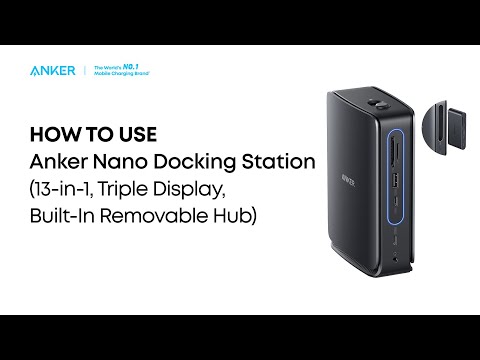
Anker Nano Docking Station (13-in-1, Triple Display, Built-In Removable Hub) Quick Start Guide
